
TNREGINET Patta: Where to Check Patta Online and Transfer Status
If you need to check Patta online, start with the Tamil Nadu land records portal, not the registration portal. Stay here to sort the search route, transfer-status basics, and the record checks that matter before you move into EC or document follow-up.
This page owns the Patta online route, transfer-status basics, and record cross-checks. Patta Chitta meaning, EC, certified copy, and registration-side work belong on their own pages.
Main owner page for Patta online route, transfer-status basics, and direct routing.
Survey number, Patta number, district, taluk, village, and owner details matter.
Use TNREGINET later for EC, registered document checks, certified copy support, and guideline value lookup.
Use the land records portal first if the job is to check Patta online, match survey details, or follow transfer status. Use TNREGINET after that only when the same property also needs EC, document history, or other registration-side checks.
Start with the right portal
- use the land records portal for Patta view, transfer status, and record checking
- use the Patta Chitta page when the confusion is about record meaning or Patta-versus-Chitta, not where to search
- use the TNREGINET service pages when the same property also needs EC, guideline value, or certified-copy review
What TNREGINET Patta Means in Search
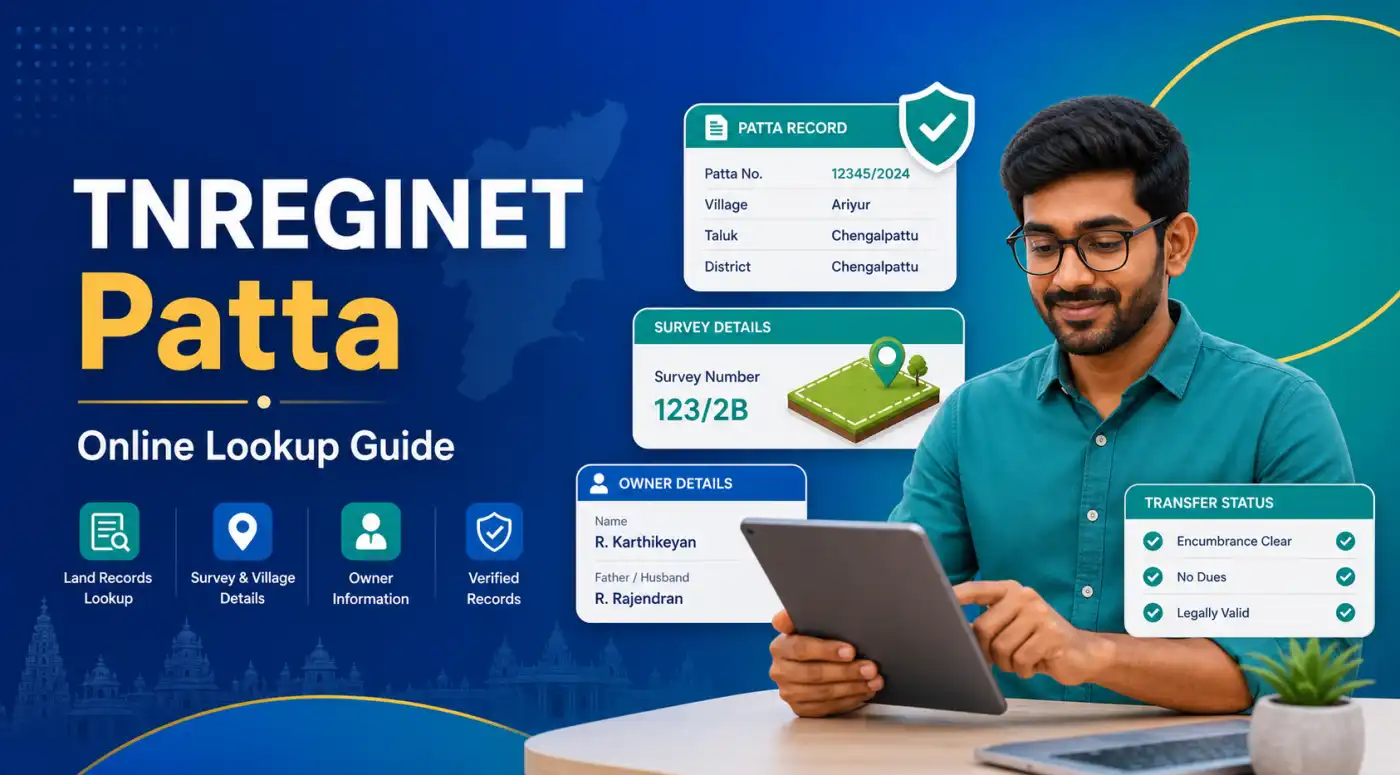
Why TNREGINET and Patta often get mixed together
TNREGINET often gets mixed into Patta checks even though Patta is not actually searched there. That happens because TNREGINET is the portal name many users already know from EC, guideline value, or document work.
The real question is usually not what Patta means. It is where to check it right now. Some pages blur that answer and make the process sound more connected than it really is.
The practical rule is simple. Check Patta on the land records portal. Use TNREGINET after that only if you need EC, document history, or value-related support for the same property.
Where Patta is actually checked in Tamil Nadu
For Patta view, application status, and transfer-related record checks, open the Tamil Nadu land records e-services portal first. That is the working portal for this task.
Keep TNREGINET for the follow-up layer: EC, registered document history, certified copy, and guideline value. That split is the easiest way to avoid confusion.
Open land records for
Patta view, Patta verification, application status, survey-based land details, and transfer follow-up.
Open TNREGINET for
EC checks, registration-side document review, certified copy support, and guideline-value lookup.
Use both together when
You are buying, selling, inheriting, or correcting a property record and need both land and registration evidence.
One portal does not settle everything
A clean Patta result does not replace EC or document checks. A clean EC result does not replace Patta, survey, or land-type checks. Serious property decisions need both in many cases.
What a Patta Record Shows
Owner, survey number, subdivision, land area, and land type
A Patta record helps users answer one basic question: does this land entry match the property I am checking? The fields people look for first are the Patta number, survey number, subdivision number, owner or pattadar name, land area, and the land description linked to that entry.
The state help material also shows why users should not expect one fixed layout everywhere. Rural extracts can show survey number, subdivision, Patta number, land area, land type, tax detail, and owner name. Urban cases can move into town-survey style records instead of the same rural pattern.
Identity details
Owner name, pattadar name, Patta number, and village-level record identity help confirm you are checking the right entry.
Land details
Survey number, subdivision, land area, and land type help match the record to the exact parcel.
Area context
Rural, Natham, and urban record paths can show different extract types, so users should not expect one layout everywhere.
How Patta differs from EC, sale deed, and Patta Chitta
Patta, EC, and sale deed do not answer the same question. The sale deed is the transaction document. EC shows the registered activity for the period you search. Patta helps match the land entry to the property you are checking.
Patta Chitta is a related combined term, but it is still not the same as one Patta extract. The two words stay close because they belong to the same land-record discussion in Tamil Nadu. The problem starts when that broad label makes users expect one record to do the work of all the others.
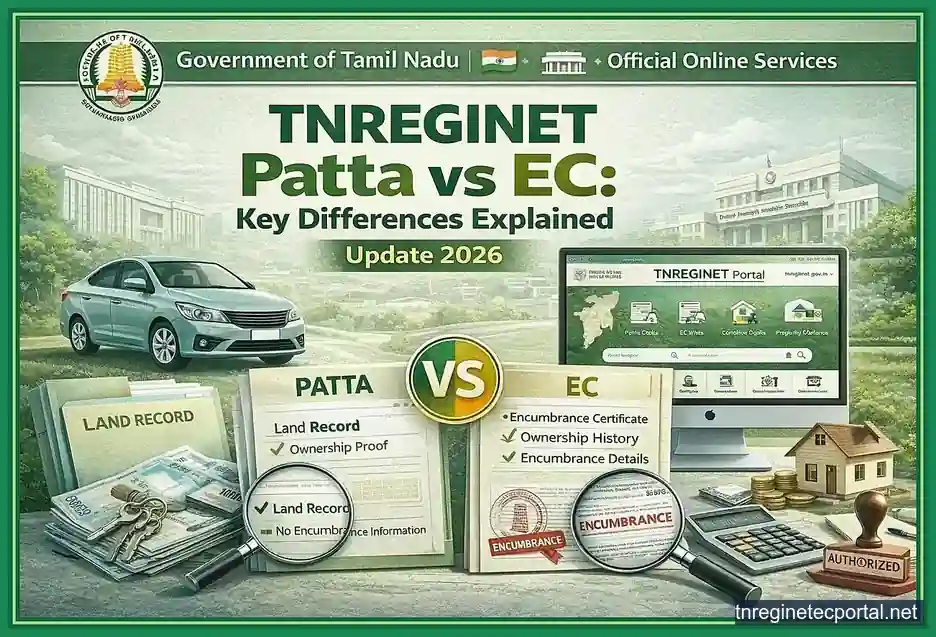
Use each record for the right question
- use Patta when you need survey, owner, area, and land-record matching
- use EC when you need registered transaction history for a selected period
- use the sale deed when you need the document terms, parties, and property description
- use the broader Patta Chitta explanation when the boundary between these records is still unclear
Do not stop at one record
A matching Patta helps, but it should not replace EC review, deed review, or survey-level checking when real money or legal risk is involved.
Where to Check Patta Online in Tamil Nadu
Where users open the Tamil Nadu land records service
For Patta view, verification, and application-status work, the right start is the Tamil Nadu land records e-services portal. That is where the state handles these record searches and transfer-status checks.
The state help page also shows the wider record environment around Patta. It points users to Chitta, A-Register, Town Survey Land Record Extract, Field Measurement Book, and online Patta transfer status. That is a better signal than broad competitor pages that keep folding everything back into TNREGINET.
Use the land records portal for
- viewing Patta-linked land details
- checking related rural or urban land-record extracts
- verifying application status for online Patta transfer
- matching survey and subdivision details before moving to office follow-up
What details users should keep ready before searching
The search goes smoothly only when the property details are ready before the form is opened. A wrong village, missing subdivision number, or loose owner-name spelling can lead to a blank result or the wrong record. It is much safer to pull the details from a deed, tax paper, earlier Patta copy, or another verified property paper first.
Status checking is different from a fresh search. In that case, the application ID matters more than the survey field set. The right input depends on whether the user wants to view a record, verify a record, or track a transfer request.
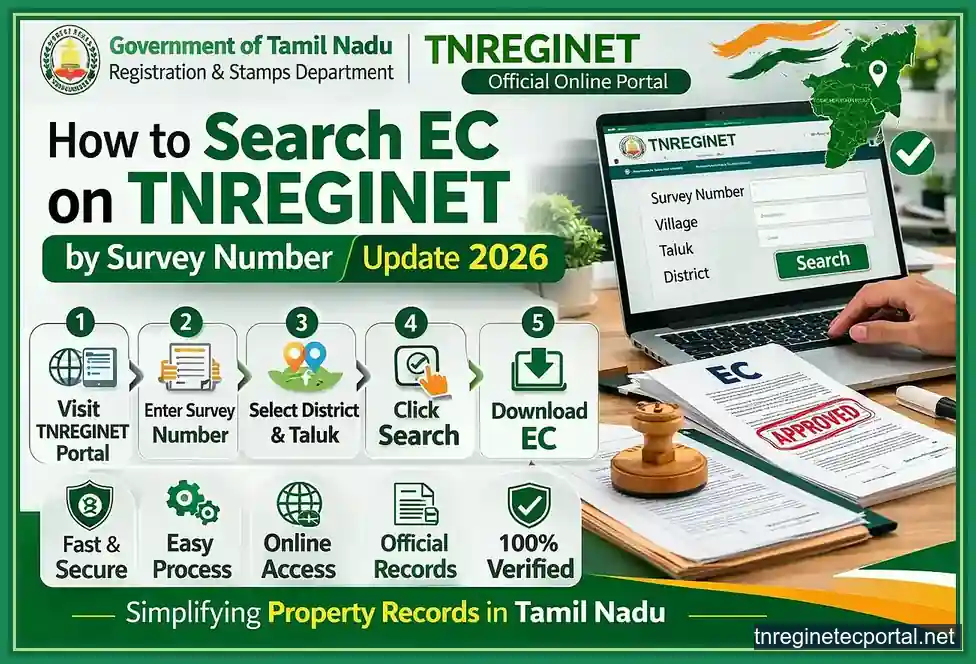
Keep these details ready before searching
- survey number and subdivision number
- Patta number if available
- district, taluk, and village
- owner or pattadar name if the record path supports it
- application ID for Patta transfer status
- sale deed or older record copy when field details need confirmation
Survey number, Patta number, district, taluk, village, and owner-name basics
Survey number and subdivision number are the strongest place to start because they point to one exact land unit. Patta number is also useful when it is already available in an earlier record. District, taluk, and village narrow the search to the right area, which matters when similar survey patterns or village names exist elsewhere.
Owner name can help in some search paths, but only when the spelling matches the stored record. If the user only has a sale deed or EC result, it is better to pull the survey number, village, and ownership context from that paper first instead of guessing from memory.
Small field mistakes change the result
One missing subdivision digit, one wrong village choice, or one incomplete owner-name entry can return a blank result or a record that belongs to another property. Patta search is not hard, but it is field-sensitive.
How to View Patta Online Step by Step
Rural and Natham Patta path on the land records portal
Once the portal is open, the next job is to choose the right record-view path instead of clicking through random options. For rural and Natham land, stay with the land-record extract flow and enter the property details exactly as they appear in the source paper.
The search itself is straightforward. Start with district, then taluk, then village. After that, move to survey number and subdivision number, or use the Patta number when it is already available in an older extract or property paper. Good source details save a lot of wasted retries.
Practical rural or Natham Patta flow
- open the Tamil Nadu land-records portal
- choose the relevant land-record view path
- select district, taluk, and village carefully
- enter survey number and subdivision number, or use Patta number if available
- check the owner and land details shown in the result
- save or note the result before moving to transfer, status, or cross-check work
Urban record situations and when users may need TSLR instead
Urban properties do not always follow the same record path as rural land. Some users run into Town Survey Land Record style extraction instead of the rural Patta pattern they expected. That is not always an error. It can simply mean the property belongs to the urban record side and needs a different path.
If the land sits in a town or city setting and the usual rural search does not return the expected result, the next check is whether the record should be handled through TSLR or another urban extract path. Many users lose time because they keep repeating the same rural search even when the property is sitting in the wrong category.
Rural or Natham side
Survey and subdivision detail stay at the center of the lookup path.
Urban side
Town-survey style records can matter more than repeating a rural-only search pattern.
When results look wrong
Check the property category first before assuming the portal itself is failing.
Common search mistakes that cause blank, wrong, or confusing results
Most blank or wrong Patta results come from field mismatch, not from the whole system failing. A small mistake in village, subdivision, survey number, or owner-name spelling can return nothing, or worse, return another property.
Common mistakes that waste time
- using the right survey number with the wrong village
- leaving out the subdivision number
- typing the owner name differently from the stored record
- retrying a rural lookup when the property should be checked through an urban record path
- guessing the Patta number instead of reading it from an earlier paper or verified record
- treating one blank result as proof that the record does not exist
If the result still looks wrong after one careful retry, stop changing random fields. Go back to the source paper, confirm the survey, subdivision, village, and category details, and then search again.
Patta Application Status and Verification
How users check Patta application status online
Patta status checking is a different job from a normal record lookup. Here the user is not trying to discover a record from scratch. The user is trying to track what happened after a transfer or related application was already filed. That makes the application ID more useful than the usual survey-led search fields.
The state help page makes that separation clear. It lists status of online Patta transfer applications as its own service. If a transfer-related request was already filed, use the TNREGINET application status route instead of repeating a fresh record search and hoping it explains the delay.
Use status check when
- a Patta transfer or related request was already submitted
- the user has an application ID
- the goal is to track progress, not to reopen the basic record search
- the user needs to know whether the request is still pending, moved forward, or needs follow-up
How to verify Patta details instead of only viewing them
Viewing a Patta result and verifying it are not the same thing. A view-only result tells the user what the portal shows. Verification means placing that result next to the rest of the property trail and checking whether the details still hold together.
The safer way to do that is to keep the Patta result beside the sale deed, EC, tax paper, or earlier land paper and compare owner name, survey number, subdivision number, land area, village, and record type. If one of those fields breaks the match, the portal result should not be treated as final proof yet.
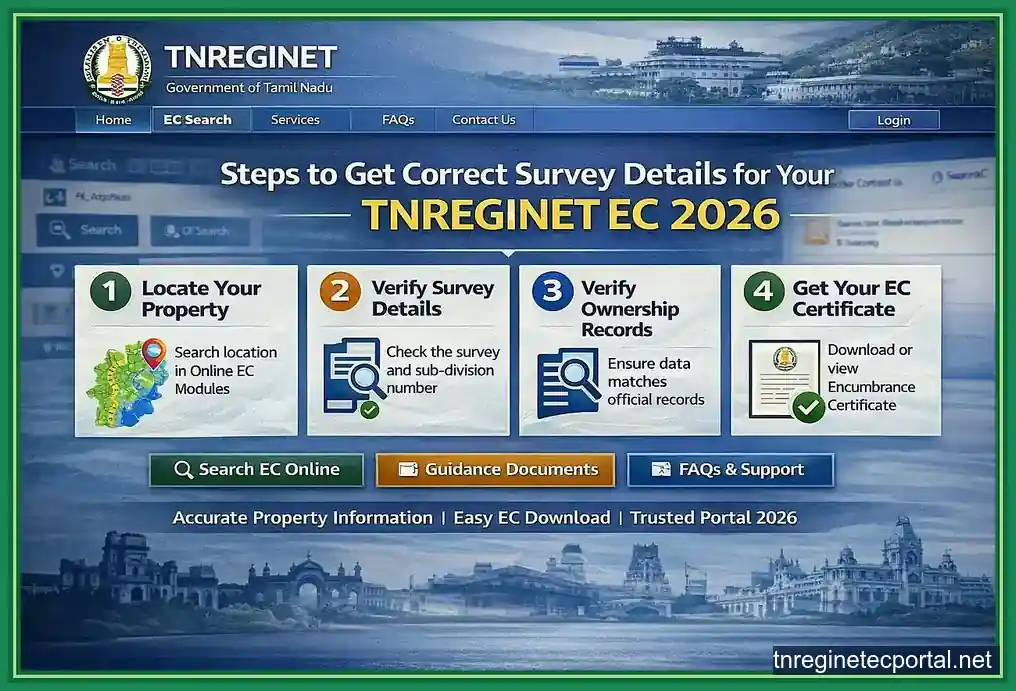
View only
The portal shows a land-record entry, but that alone does not settle a disputed or high-value property question.
Verify properly
Match the Patta result against the deed, EC, survey details, and other property papers before relying on it.
Pause on mismatch
A mismatch in owner name, area, village, or subdivision is a signal to stop and verify, not to guess.
What verification should catch
- wrong owner or pattadar mapping
- survey and subdivision mismatch
- village or taluk mismatch
- land area or classification differences
- record-path confusion between rural, Natham, and urban cases
If the result is only needed for quick reference, a view may be enough. If the result is tied to purchase, transfer, inheritance, loan, or correction work, verification is the safer move.
Patta Transfer and Name-Change Basics
When Patta transfer is needed after sale, inheritance, or settlement
Patta transfer matters when the land record needs to reflect a real ownership change. The usual triggers are sale, inheritance, settlement, gift, partition, or another valid event that changes who should appear against the property.
Many users get caught at this stage. They may already have a sale deed or family document and assume the land record will update on its own. It does not. If the Patta still shows the older ownership trail after a valid change, the transfer process still needs attention.
Patta transfer is needed after
- sale or purchase of land
- inheritance after the death of an owner
- settlement or gift within a family
- partition between legal holders
- correction of land-record ownership after a valid document change
CSC, online application, and office follow-up basics users should know
Tamil Nadu does offer an online Patta transfer system, but users should not read it like one instant screen that settles everything in a few clicks. The Commissionerate of Land Administration page makes clear that disposal time can differ depending on whether the case involves subdivision.
In simple terms, a case without subdivision is expected to move faster than one with subdivision. That timing difference explains many early follow-up worries, even when the issue is the case type rather than a broken system.
Some users also go through Common Service Centre support during filing or follow-up, especially when the document flow becomes confusing or they are not comfortable handling the full online path alone. Even when the first step is online, office handling can still matter before the record is fully settled.
Online filing side
Best when the user is ready with documents and wants to start or track the transfer process.
CSC or assisted help
Best when the user needs help with application handling, document flow, or portal confidence.
Office follow-up
Still matters when subdivision, record mismatch, or pending movement slows the case down.
What users should not assume about online Patta transfer
Users should not assume that Patta transfer is always instant or fully self-contained. If the case involves subdivision, disputed details, document mismatch, or pending verification, it can take longer and may still need revenue-side review. A successful submission does not mean the record is already corrected.
Do not assume these things
- one online submission means the Patta is already transferred
- every case will move at the same speed
- subdivision cases will finish like simple non-subdivision cases
- status silence always means rejection
- registration completion alone updates the land record automatically
The safer approach is to save the application details, track status carefully, and move to office follow-up when the record does not update, the case stays pending too long, or the field details stop matching the expected ownership change.
How TNREGINET Still Helps During Patta Verification
Using EC, certified copy, and registration records with Patta checks
Patta lookup happens on the land records portal, but TNREGINET still matters when the user needs to test whether the document trail supports what the land record is showing. That is where EC, document details, certified-copy follow-up, and value-related context start helping again.
If a user finds a Patta record and now needs to check sketch-level boundary or subdivision layout, the TNREGINET FMB guide is the better next step. EC still matters after that when the same property also needs registration-side cross-checking.
Use TNREGINET together with Patta when you need to
- check whether the registered transaction trail matches the land record
- review EC before trusting a property transfer story
- pull certified-copy support for a key registered document
- compare registration-side details with owner name, survey, and village context
When users should compare Patta with sale deed, EC, and guideline value
This comparison matters most when the property decision is active, not casual. If a buyer is moving toward purchase, a family is handling inheritance, or an owner is trying to correct a mismatch, Patta should be read beside the sale deed, EC, and sometimes guideline value.
The sale deed helps with the transaction terms and property description. EC helps with the registered history for the selected period. Guideline value helps with the registration-value side, not the ownership side. Patta helps confirm the land entry. When those pieces support each other, confidence goes up. When they split apart, the next step should be verification, not guesswork.
Compare with sale deed
Use it to match the property description, parties, and ownership-linked document context.
Compare with EC
Use it to test whether the registered-history side supports the ownership story being shown.
Compare with guideline value
Use it when the next question is about registration planning or value context, not proof of title.
Move slower when records split apart
If the Patta, sale deed, EC, or village and survey details do not support each other, do not force a conclusion from the piece that looks easiest. That is exactly when support, office clarification, or document-level review becomes worth the time.
Common Patta Problems and Fixes
No record found, wrong survey details, Unicode Tamil, and mismatch issues
Most Patta problems fall into four simple groups. The record does not appear. The record appears but the details look wrong. The text is hard to read. Or the result does not support the deed, survey, or ownership trail the user expected. The first job is to identify which of those is happening instead of treating every problem the same way.
A blank result does not always mean the record does not exist. It can mean the village is wrong, the subdivision was missed, the property belongs to an urban path instead of the rural one used in the search, or the user is relying on memory instead of a verified paper. Hard-to-read text can come from Tamil-script rendering or a device-side display issue rather than a broken record.
Check these first before assuming the system failed
- survey number and subdivision number
- district, taluk, and village selection
- whether the property should be checked through a rural or urban record path
- Patta number copied from a verified paper instead of memory
- owner-name spelling when that field is being used
- whether the mismatch is in the portal result or in the source document being used
Do not force a match
If the survey, village, owner, or land area does not line up, do not keep changing fields until something looks close enough. A near match can be more dangerous than a blank result if the property decision is serious.
When users should move to the Taluk office, CSC, or support
Users should move beyond self-search when the problem stops looking like a simple field mistake and starts looking like a record issue, transfer delay, or mismatch that affects ownership confidence. That is the point where a Taluk office, CSC, or related follow-up becomes worth the time.
CSC help works well when the user needs assistance with filing or application follow-up. Taluk or revenue-side office follow-up matters more when the record itself stays wrong, the transfer remains pending too long, or the land details do not support the expected ownership change.
Retry online only when
The issue still looks like a field-entry mistake, wrong path choice, or weak source-detail problem.
Use CSC help when
The user needs filing support, status handling help, or assistance with the online process.
Move to office follow-up when
Ownership mismatch, pending transfer delay, or record-level conflict stays unresolved after careful retries.
Move to office or assisted follow-up when
- the Patta result does not match the sale deed or expected ownership trail
- the transfer status stays pending beyond a reasonable window
- the property category or record path is still unclear after checking the papers
- the portal search keeps returning unrelated land details
- the user needs stronger confidence before purchase, loan, inheritance, or correction work
Patta FAQ
Short answers to the most common Patta search questions
No. Users should use the Tamil Nadu land records portal for Patta view, related extracts, and transfer-status work. TNREGINET still helps when the same property also needs EC, document, or certified-copy checks.
No. They are related, but they are not the same thing. People search them together because both appear during land-record checking. When the goal is direct Patta lookup, stay here. When the record boundary itself is confusing, move to the Patta Chitta page.
The strongest fields are survey number and subdivision number. Patta number, district, taluk, village, owner name, and application ID can also matter depending on whether the user is viewing a record, verifying it, or checking transfer status.
The filing side can be online, but the whole process is not always instant or fully self-contained. Some cases need more time, subdivision handling, assisted filing, status follow-up, or revenue-side office review before the record is fully settled.
Conclusion
Best next step for Patta search and property cross-checking
The short answer is simple: use the Tamil Nadu land records portal for the Patta search, and use TNREGINET when the same property also needs EC or document-level checking. That split removes most of the confusion behind tnreginet patta searches.
If the goal is only to view one Patta record, start with the land details and search carefully. If the goal is to trust a property before purchase, transfer, inheritance, or correction work, do not stop at the Patta result alone. Match it with the deed, EC, survey details, and the rest of the record trail before moving ahead.
Use this final routing rule
- open the land-records portal for Patta view, verification, and transfer-status work
- use TNREGINET EC view when you need the registered-history side of the property
- use the Patta Chitta page when the land-record boundary is still confusing
- move to office or assisted follow-up when the Patta result, ownership trail, or transfer status still does not make sense
That is the safer route. Start with the right portal, compare the right records, and slow down the moment the details stop matching.