
TNREGINET Certified Copy: Download, Copy, and Record Access
Start here when the real job is document search, online record view, download-style reference access, or a formal certified copy for office or legal use. That split changes the right TNREGINET path immediately.
Stay here for document-copy intent, record-access basics, and copy-related follow-up. Use downloads or visible records for checking first, but move to the certified-copy route when formal proof is still required. Broader status, payment, and support problems belong on their matching pages.
Formal document copy linked to registered records and outside use.
Document number, registration year, SRO, party names, and property details matter.
Certified copies are different from quick screen views or personal-reference downloads.
Before you request anything, keep the document number, registration year, Sub-Registrar Office, and basic party or property details ready. Without those, it becomes much harder to pull the right record or decide whether a certified copy is even needed.
Page scope
Stay on this page for document-copy access, search logic, and record-matching problems. If the copy request already exists and the real question is progress, use the TNREGINET application status guide. Use the registration or login pages for account setup, and use the EC page for encumbrance search.
What a TNREGINET Certified Copy Means
A certified copy is a formal copy of a registered document such as a sale deed, settlement deed, gift deed, release deed, or mortgage deed. It is not the same as simply seeing a document number or a brief record on screen.
People need it when the document must be shown to a bank, advocate, buyer, office, or another party that needs more than a casual online check. TNREGINET helps only if the correct record can be identified first.
Simple online access
Useful for checking whether a document reference or registered detail appears.
Certified copy
Used when a formal copy of a registered document is required for a process.
SRO records
Correct office, year, and document number details help identify the right record.
How certified copies differ from simple online document access
Simple online access is for checking. It helps confirm whether a record exists, whether the document number and year match, and whether the property or party details look familiar.
A certified copy has a heavier job. It is meant for cases where the document itself needs to be shown, reviewed, or submitted. That is why the record details need to be checked carefully before moving ahead.
A visible file or download option can help with reference checking, but that alone does not automatically mean the portal has given you the formal certified copy needed for bank, legal, buyer, or office use.
In simple terms
- online access helps users identify or review a registered record
- document download may be useful for personal reference or early checking
- a certified copy is used when a formal copy of a registered document is required
- the request depends on the correct document number, registration year, and SRO details
- older or unclear records may still need Sub-Registrar Office follow-up
Check the requirement first
Do not treat every viewed or downloaded file as a certified copy. If a bank, buyer, advocate, court-related process, or office asks for one, confirm that the output from the portal satisfies that specific requirement.
When users need a certified copy
People need a certified copy when a registered document must be reviewed, submitted, or kept as proof. This comes up during a property purchase, loan process, legal review, family settlement, resale, mutation follow-up, or document correction.
A certified copy may be useful when
- the original registered document is lost or not available
- a buyer wants to verify a previous sale deed or settlement deed
- a bank or lender asks for document support
- an advocate needs a formal copy for legal review
- an owner wants to keep formal records safe
- a property history needs to be checked through registered documents, EC view, and guideline value context
- an office asks for a copy of document connected with registration work
For casual checking, a document search or digital reference may be enough. For formal property decisions, a certified copy is safer because it connects the user back to the registered document record.
TNREGINET Document Download and Certified Copy Basics
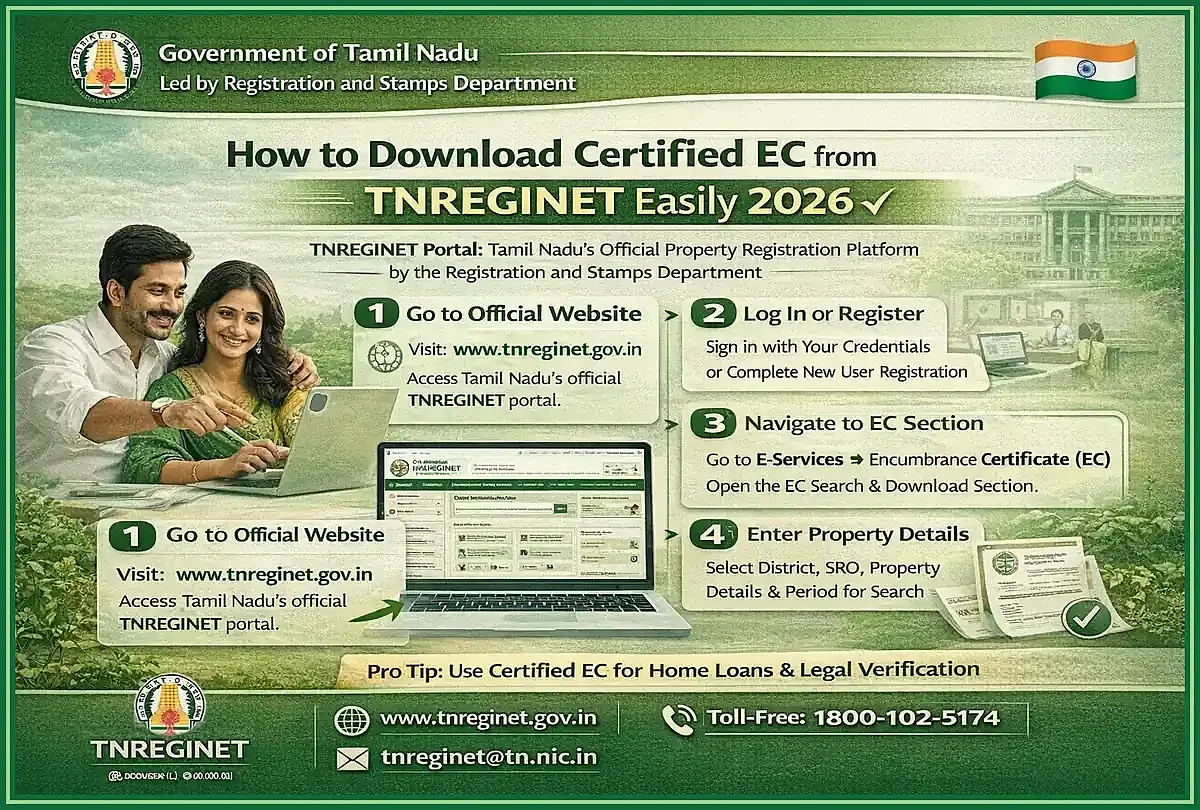
Document download and certified-copy work are related, but they are not the same request. A search or simple download helps identify a registered record. A certified-copy request is for cases where the document must be used outside the portal.
Before starting, decide whether you need reference, retrieval, or proof. If you only need to confirm that a document exists, a search or view may be enough. If the copy is for bank, legal, buyer, seller, or office use, move toward the certified-copy path and keep the required details ready.
Use download carefully
A portal download or visible record can be enough for early checking, but do not assume it replaces the formal certified-copy route. If the next step involves submission, proof, or document acceptance by another party, confirm that the portal output matches that requirement.
What users can search or track on the portal
TNREGINET can support document-related searches and follow-up for registration records. Depending on the available portal options and the details entered, users may search by document number, year, Sub-Registrar Office, party details, or property-related information.
Users may use the portal to
- search registered document details
- check document or application status
- review document number and registration year references
- identify the correct Sub-Registrar Office
- move toward certified copy or document-copy requests
- follow up when a record is not found or does not match
The exact screen and labels may change, so follow the current portal menu. Accuracy is the main factor. A wrong year, wrong SRO, or incorrect document number can lead to no result or the wrong record.
What details users should keep ready before starting
Certified copy and document search work best when the document details are ready before you begin. Searching by guesswork wastes time and can return unrelated results.
Keep these details ready
- document number or registration number
- year of registration
- Sub-Registrar Office or SRO where the document was registered
- district and registration village if available
- document type, such as sale deed, gift deed, mortgage deed, settlement deed, or release deed
- first party and second party names if known
- property details such as survey number, door number, street, village, or locality
- old deed, EC result, or registration reference if available
If you do not know the document number, start with the sale deed, parent document, EC result, or Sub-Registrar Office reference. The more accurate the details, the easier it is to find the correct document or request a certified copy.
How to Request or Access a Certified Copy Through TNREGINET
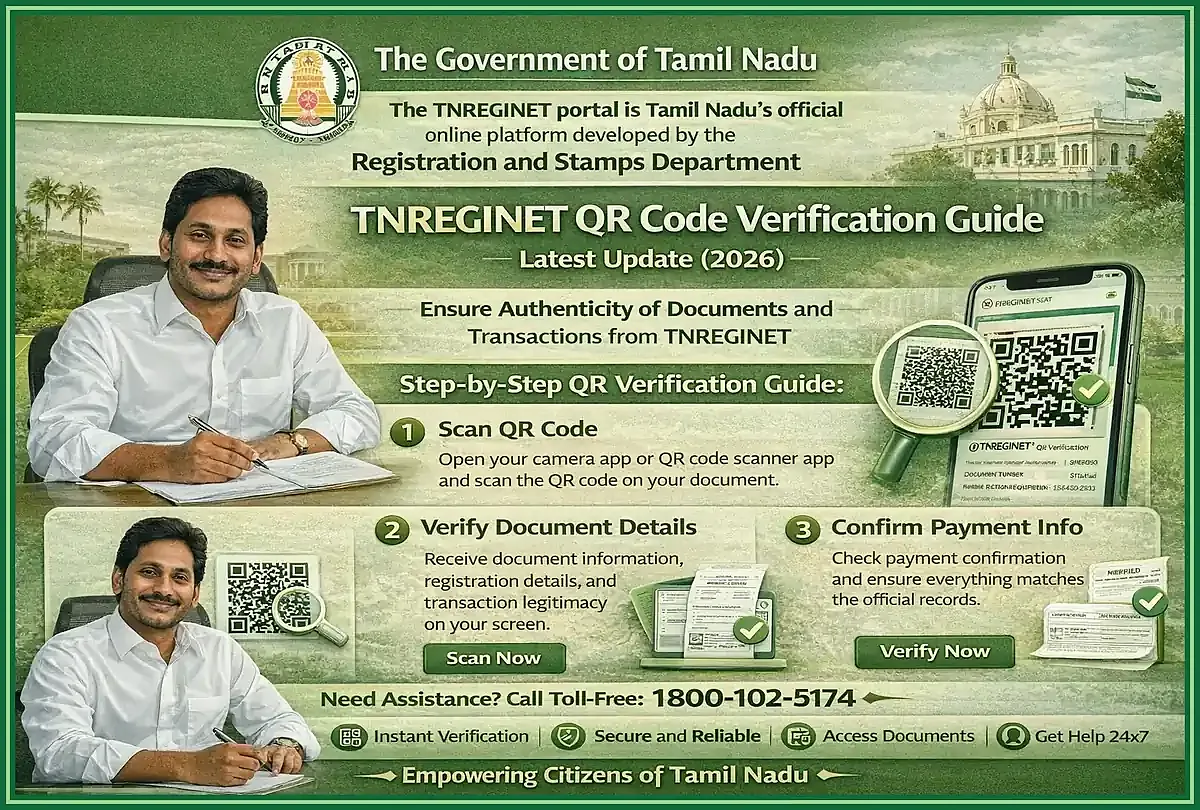
Start from the TNREGINET portal in a browser. If the copy request already exists and the real problem is progress, reference matching, or follow-up rather than the copy path itself, switch to status tracking instead of repeating the copy path.
On the portal, look for the menu related to registered documents, certified copy, copy of document, or document status. Labels can move around, so follow the live menu instead of an old screenshot from another site. If sign-in is required, use the registered account and keep OTP access ready.
Start on the portal
Open the live TNREGINET portal before entering document or account details.
Find the record
Use document number, year, and SRO details to identify the registered document.
Continue carefully
Follow the copy, application, payment, or tracking steps shown by the portal.
Portal path and document-search basics
Open the portal first, then move through the menu related to registered documents or certified copies. In many cases, the first step is to identify the document record. Only after that does the copy, application, payment, or tracking option make sense.
Use this basic flow
- open the TNREGINET portal
- choose the relevant language if needed
- find the document-copy, certified-copy, or document-status menu
- sign in only if the selected service asks for it
- enter the document number, registration year, and Sub-Registrar Office details
- check that the result matches the correct property, party names, and document type
- continue with application, download, payment, or tracking steps shown by the portal
- contact the Sub-Registrar Office if the online record is unclear or unavailable
This part is detail-sensitive. The portal can only move you forward when the search details point to the right registration entry.
Using document number, year, and office details correctly
The document number, registration year, and office details are the main identifiers for document retrieval. A small mistake in one field can show the wrong record or no result.
Use the document number from the registered deed or a trusted registration reference. Do not confuse it with an application number, survey number, patta number, EC request number, or bank file number. Also check the year carefully. Some users enter the year of purchase discussion, loan application, or later property transfer instead of the actual registration year printed on the document.
The Sub-Registrar Office is just as important. A property may be in one city, taluk, or locality, but the registered document is linked to the SRO where it was registered. If you only know the district or village, confirm the correct SRO before repeating searches.
Common mistakes during document retrieval
Many retrieval problems happen because users enter incomplete or mismatched details. Before assuming the portal is not working, recheck the source document and compare each field.
Avoid these mistakes
- entering the wrong registration year
- using survey number instead of document number
- choosing the wrong Sub-Registrar Office
- typing party names differently from the registered document
- selecting EC or guideline value services when the intent is document copy
- assuming every downloaded file is a certified copy
- ignoring spelling differences in village, street, or party details
- searching an older document without checking whether the record is digitized
If the record still does not appear after careful checking, the next step is office-level verification. Older records, indexing issues, unclear document numbers, or jurisdiction confusion may need help from the relevant Sub-Registrar Office.
TNREGINET Document Download Versus Certified Copy
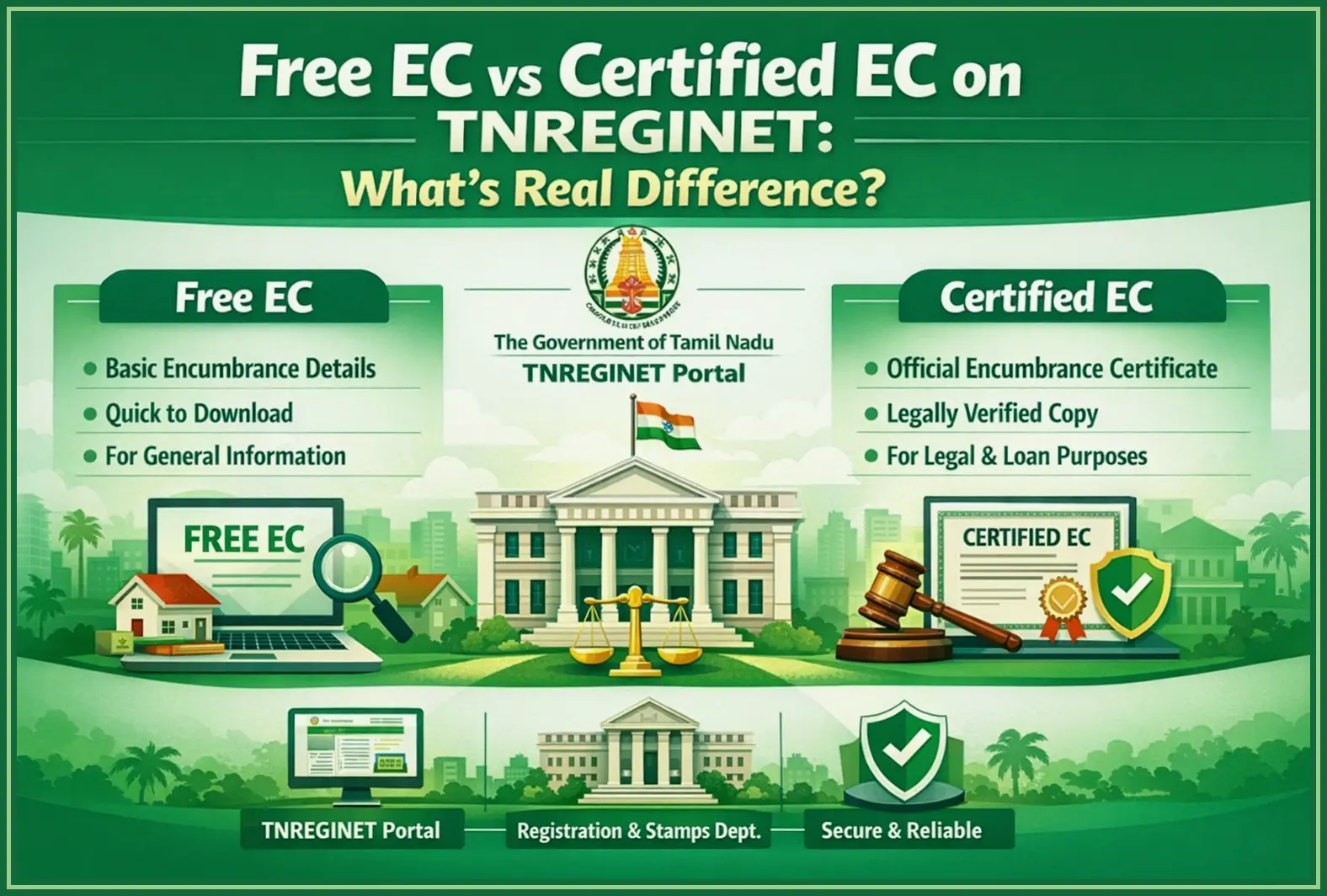
Some users start with a simple document-download need, but the real requirement is often a certified copy. A digital reference is fine for quick checking. A certified copy is the better choice when the document must be shown, submitted, or relied on outside the portal.
The right choice depends on the next step. For early checking, a visible record or downloaded reference may be enough. For bank, legal, office, or property work, confirm whether the formal copy is required.
When a digital reference is enough
A digital reference is enough when the user only needs to confirm basic details before taking the next step. It helps compare the document number, year, SRO, party names, document type, and property reference with other records.
It may be enough for
- checking whether a document record appears online
- confirming basic registration details before applying for a copy
- preparing questions for an advocate, bank, buyer, or seller
- matching document details with an EC result or old deed
- identifying whether the user has the correct SRO and year
- deciding whether office follow-up is needed
Reference does not mean clearance
Even then, do not treat a basic online view as legal clearance. It is only one part of document verification.
When a formally certified document is more appropriate
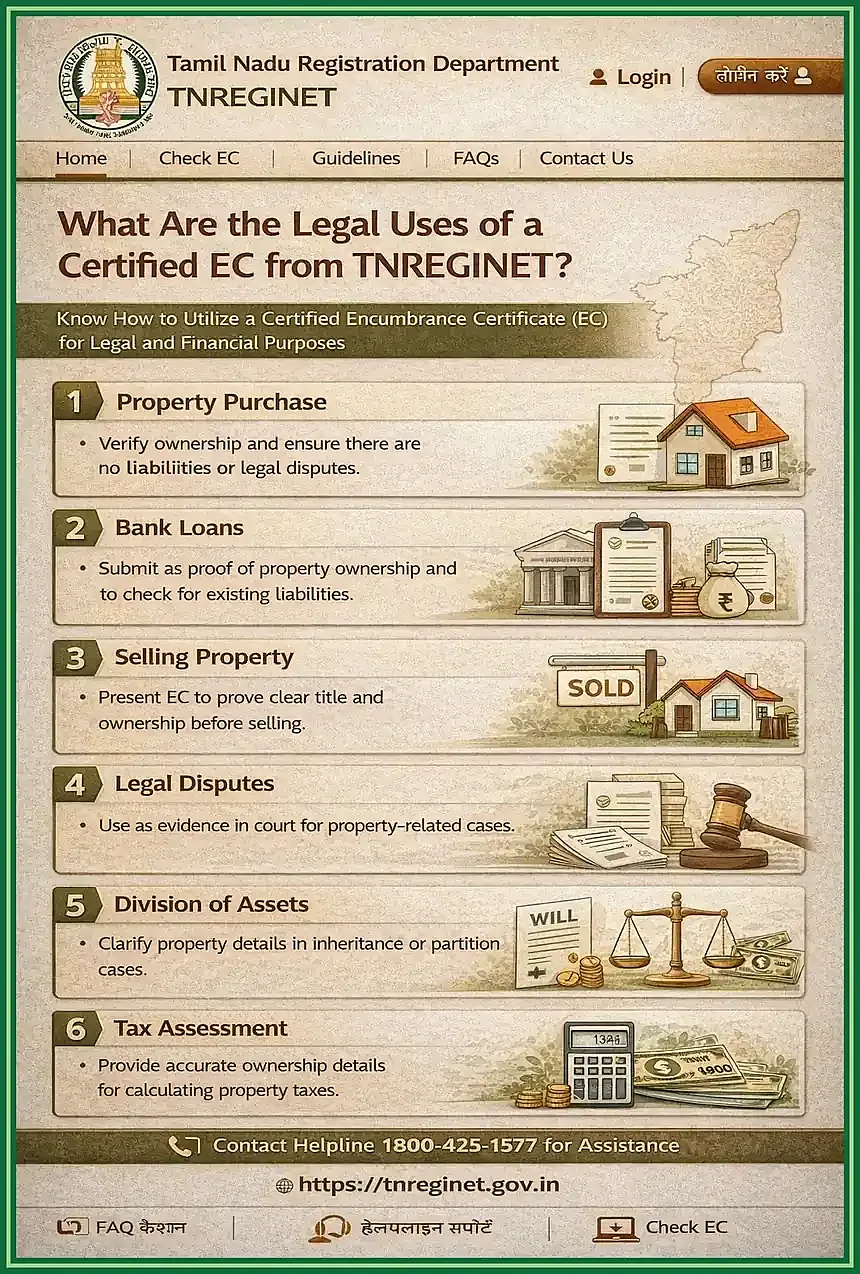
A formally certified document is more appropriate when the copy itself must be used as proof. This is common when an office, bank, advocate, buyer, or authority asks for a certified copy rather than a simple reference.
Choose the certified-copy path when
- the original registered deed is lost or unavailable
- a bank or lender asks for a formal document copy
- an advocate needs a formal record for legal review
- a buyer or seller needs document support during a transaction
- an office asks for proof linked to a registered document
- a family settlement, inheritance, correction, or dispute needs document support
A certified copy can support verification, but it does not replace a full title check, legal opinion, EC review, or land-record verification. For high-value property decisions, use TNREGINET records with professional and office-level checks.
Common Certified Copy Problems and How to Resolve Them
Most problems come from one of two things: input mismatch or record limitation. Before blaming the portal, compare each entry with a trusted source such as the registered deed, parent document, EC result, or Sub-Registrar Office reference.
If the issue is technical, retry with a stable internet connection, a refreshed captcha, and the portal open in a current browser. If the issue is record-related, stop guessing and verify the document details first.
Missing details, wrong office, and incomplete document references
Missing or wrong details can block document retrieval. A user may know the property location but not the document number. Another user may know the document number but choose the wrong Sub-Registrar Office. Both situations can lead to no result, mismatched results, or confusion during document-copy access.
Start with the strongest available reference
- registered deed or old sale deed
- parent document reference
- EC result showing document number and year
- previous certified copy or document receipt
- Sub-Registrar Office reference
- party names and property details from a reliable document
Then compare the document number, year, SRO, village, property details, and party names. If one field does not match, pause and verify it before continuing. For older documents, the record may not be fully available online and may need office-level help.
When users should move to support or office follow-up
Move to support or office follow-up when the online route no longer gives a clear next step. This is common when the record is old, the document number is unclear, the SRO is uncertain, the application status is stuck, or the portal shows repeated errors after careful retry.
Use support or office follow-up when
- the document record does not appear after checking the correct number, year, and SRO
- the result appears but does not match the expected property or party names
- the portal accepts the request but status does not move forward
- payment or acknowledgement details are unclear
- an office, bank, advocate, or authority needs a certified copy urgently
- the document is old and may require manual record verification
- the user cannot identify the correct SRO from available documents
When visiting the office, carry available references such as the old deed, EC result, application number, payment receipt, identity proof if required, and property details. Office staff can guide the next step better when the user has clear document references.
TNREGINET Certified Copy FAQ
Short answers to common document-copy questions
What details are needed to find a registered document?
Users need the document number, registration year, Sub-Registrar Office, district, document type, party names, and property details. The document number, year, and SRO are the strongest identifiers.
Is certified copy the same as a regular download?
No. A regular download or online view helps check details, but a certified copy is meant for formal use when a proper registered-document copy is required. If a bank, advocate, buyer, or office asks for one, make sure the document you obtain through TNREGINET meets that requirement.
Can users track document-related requests online?
Users may be able to check document or application status through the available portal options, depending on the request type. If the status is unclear, stuck, or not available online, use support or contact the relevant Sub-Registrar Office.
Final Takeaway and Best Next Step
For certified-copy work, accuracy matters more than speed. Start online only after you have the document number, registration year, and correct Sub-Registrar Office.
If you only need to confirm basic document details, an online view or digital reference may be enough. If a bank, buyer, advocate, court-related process, or office asks for a certified copy, follow that route and keep proof of application, payment, or acknowledgement safely.
When to continue online and when to seek direct office help
Continue online
Use the portal when the document number, year, SRO, and visible record all match correctly.
Seek office help
Contact support or the SRO when the record is old, missing, mismatched, or status is unclear.
Best practical next step
Continue online when the document details are clear, the portal shows the correct record, and the next step is visible. This is the right path for normal document search, status checking, and copy requests that move smoothly through the portal.
When online is not enough
Seek direct office help when the record is old, missing, mismatched, or linked to an uncertain SRO. Also use the TNREGINET support guide or contact the relevant Sub-Registrar Office when payment status, application status, or document availability is unclear. For important property decisions, use TNREGINET records with EC review, land-record checks, and professional advice where needed.