
TNREGINET Marriage Certificate and Online Marriage Registration Tamil Nadu
Start here if you need online marriage registration in Tamil Nadu or marriage certificate follow-up linked to an existing record. The first step is to separate a fresh registration from certificate access, because they do not follow the same route.
Stay here for marriage registration route clarity, required details, and certificate follow-up. General account setup, payment trouble, and broader support issues have their own pages.
Portal guidance for registration, certificate access, and service follow-up.
Certificate access is linked to the marriage registration record and service flow.
Use the government portal because the service involves personal and identity details.
Start with the exact job in front of you. Some users need to begin a registration, while others need to track an older record or move toward certificate-related follow-up. The right path depends on that difference.
If the marriage request is already submitted and the real question is progress, reference matching, or certificate follow-up, use the TNREGINET application status guide first. If a payment result is still unclear, confirm that before treating it like a marriage-record issue.
What TNREGINET Does for Marriage Services
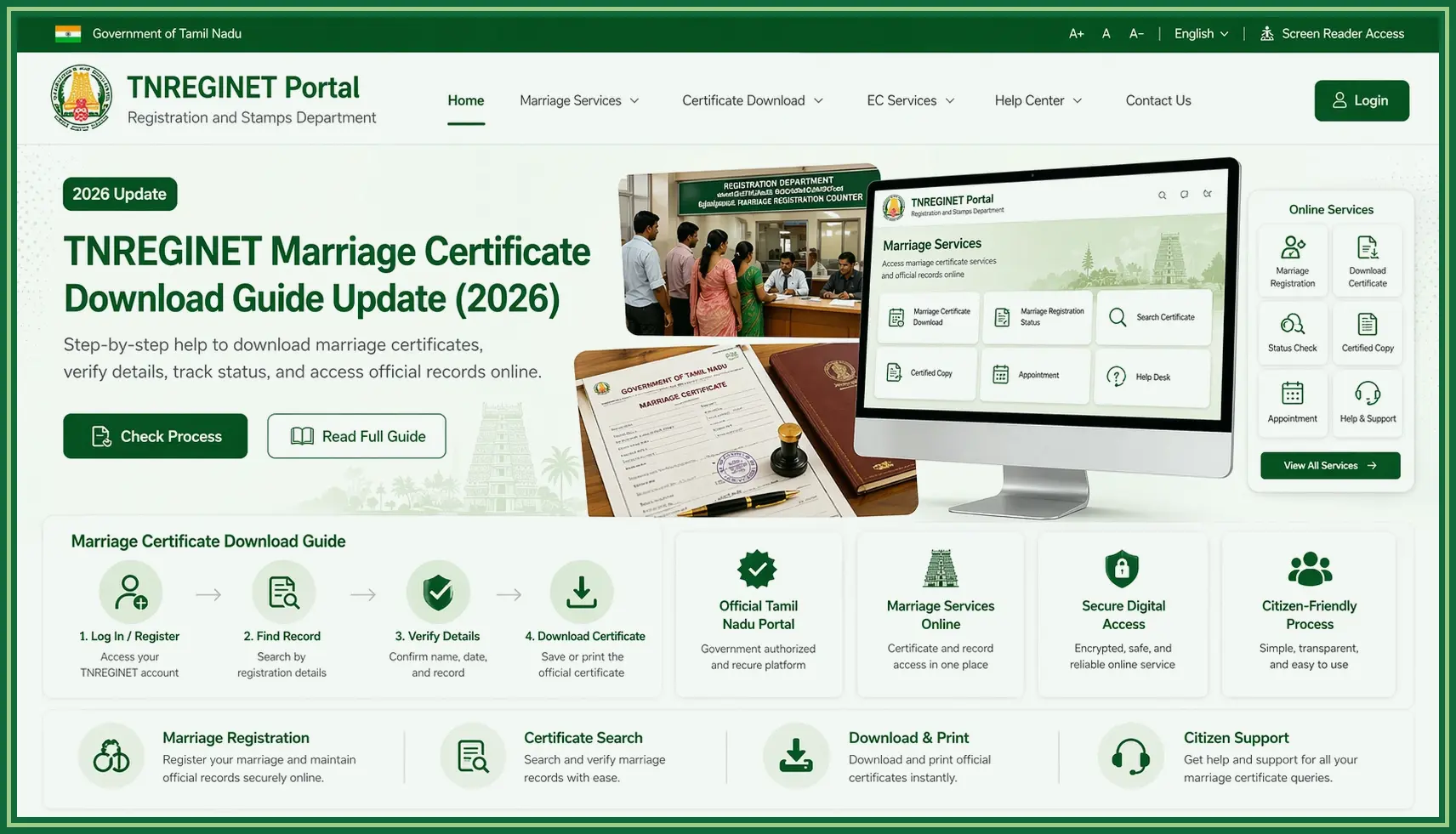
TNREGINET is where users begin online marriage registration in Tamil Nadu and where many marriage certificate follow-up tasks start. Depending on the case, that may mean opening a fresh registration path, checking a marriage-related request, or finding the next certificate step.
The important split is simple. Registration is the process of recording the marriage. Certificate access comes later, when the record already exists and the user needs proof, status, or follow-up.
Registration
The marriage is recorded through the portal flow and the office requirements tied to it.
Certificate access
Users look for proof, status, or follow-up linked to a registered marriage record.
Status support
The portal may help users move from application details to status or support steps.
Marriage registration and marriage certificate support in simple terms
Marriage registration is the main action here when a couple needs to start online marriage registration in Tamil Nadu. If the portal first asks for account setup, use the TNREGINET registration guide before you continue. After that, the couple enters the needed details and follows the steps shown on screen or at the registration office.
Certificate-related help comes later. It matters when the marriage is already recorded and the user now needs proof, status, or help finding the next step.
In practical terms, TNREGINET can help users
- find the marriage-service starting point
- understand whether login or account access is needed
- enter application or registration details in the right menu
- check status or follow-up options where available
- identify when direct office support may be required
Use the right source
Do not trust a random third-party page for this. Marriage registration and certificate-related work involve personal details, identity records, and office verification, so the safest route is the TNREGINET portal.
Who is most likely to use this TNREGINET service
This service is mainly useful for people who need registration support or proof connected with a registered marriage in Tamil Nadu. It also helps when someone is unsure whether to start a new application, check an existing one, or follow up with the registration office.
Users most likely to need this service include
- newly married couples planning to register their marriage
- spouses who need a marriage certificate for passport, visa, bank, insurance, legal, or office work
- families helping with application or document preparation
- users checking the status of a submitted marriage-related request
- people who need certificate proof for passport, visa, bank, insurance, or legal work
- users who started offline and now want to check the online route
- people who are confused between registration, certificate access, and office follow-up
Before using the portal, keep identity details, spouse details, marriage date, place of marriage, contact information, and any available application or registration reference ready. This reduces form errors and makes support easier if the record or application is not clear.
What Users Should Keep Ready Before Starting
Before you start, collect the basic details the portal or registration office is likely to ask for. That one step saves time and cuts down on mismatched entries.
The exact list can change by marriage type, portal screen, and office process. Still, the same core details come up again and again: identity, contact details, marriage date and place, and any old application reference.
Identity details
Names, age or date of birth, address, and contact details should match records.
Marriage details
Marriage date, place, category, and spouse details help complete the service flow.
Record references
Application or acknowledgement numbers help with status checks and support.
Basic identity, relationship, and record details users need
You need clear details for both spouses and for the marriage itself. If the portal asks for supporting documents or office verification, those details should match the records you plan to use.
Keep these details ready
- full names of both spouses as shown on identity records
- date of birth or age details for both spouses
- address and contact information
- mobile number and email address for OTP or communication
- date and place of marriage
- marriage type or applicable service category if the portal asks
- identity proof, age proof, address proof, or photo details if required
- witness or parent details if the service flow asks for them
- application number, acknowledgement number, or old reference if already available
Enter names, dates, and addresses exactly as they appear on the records. Even a small spelling difference can cause trouble later during status checks or certificate follow-up.
Why preparation matters before using the portal
Preparation matters because marriage-service forms can be detail-heavy. Starting without the correct information can lead to form errors, OTP delays, captcha retries, session expiry, or mismatched application details.
Good preparation helps users
- finish the online form without repeated corrections
- avoid choosing the wrong menu or request type
- reduce mistakes in spouse names, dates, and contact details
- track the application more easily later
- explain the issue clearly if office support is needed
Check before submitting
If a required field is unclear, pause and verify the detail before submitting. Correcting a wrong application can take more time than checking the details once at the start.
How Marriage Registration Works on TNREGINET
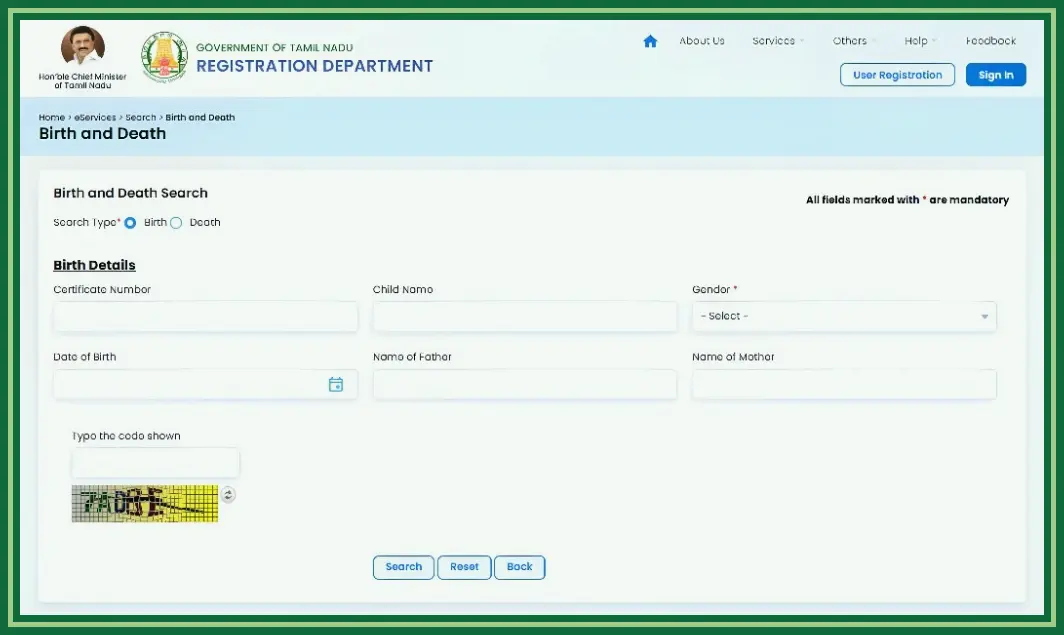
Marriage registration starts by opening the portal and finding the marriage option in the live menu. From there, the site may ask for sign-in, account creation, service selection, form details, and the next step shown on screen.
The portal is the starting point, not the whole process in every case. Some applications still need appointment steps, document checks, payment confirmation, or direct office follow-up.
Where to begin and when login matters
Start from TNREGINET and look for the marriage registration or marriage service option in the live menu. If the portal asks for login, use the correct account. If there is no account yet, create that first before you continue.
A simple path looks like this
- open the TNREGINET portal
- choose the preferred language if needed
- find the marriage registration or marriage-service option
- log in or create an account if the selected service requires it
- read the form instructions before entering details
- fill spouse, marriage, contact, and application details carefully
- follow the portal instructions for submission, acknowledgement, payment, appointment, or status checking
Because service screens can change, follow the live portal labels rather than old screenshots from other websites. Use the TNREGINET English and Tamil guide when language or mixed labels slow you down.
Entering details, submitting information, and tracking progress
When entering details, move slowly and compare each field with the identity records and marriage information. Names, dates, contact details, and place details should be consistent across the form and supporting records.
After submission, save any acknowledgement number, application number, payment reference, or status message shown by the portal. These references help with progress tracking and make support or office follow-up easier later.
Useful habits during the process
- review every field before submission
- keep OTP access active on the registered mobile number
- avoid refreshing the page while payment or submission is processing
- save or note the acknowledgement details immediately
- check status through the portal when that option is shown
- contact the relevant office if the record, appointment, or status is unclear
Common mistakes users make during the process
Many marriage-service problems start because people rush through the form or open the wrong menu. The safer approach is to verify details before submitting and keep every reference number safely.
Avoid these mistakes
- using a third-party site instead of TNREGINET
- entering spouse names differently from identity records
- choosing the wrong marriage service or certificate-related path
- using an inactive mobile number for OTP
- entering the wrong marriage date or place
- ignoring instructions about document verification or appointment steps
- closing the page before saving the acknowledgement number
- assuming certificate access is automatic immediately after form submission
If an error appears, first check whether it is a form mistake, login issue, OTP problem, or record/status problem. That makes it easier to decide whether to retry online or move to support.
TNREGINET Marriage Certificate Access and Follow-Up
Some people do not want to start a new marriage registration. They already have a registered marriage, submitted application, or acknowledgement reference and now want certificate details, status, or the next support step. This is a different intent from filling a fresh registration form.
For certificate access, start with the portal and look for the marriage certificate, application status, or follow-up option shown there. If the portal asks for login or reference details, use the same information that was used during registration or submission.
Certificate details
Use saved application or record details to check proof linked to a registered marriage.
Status checking
Application numbers and acknowledgement details help track progress.
Office follow-up
Move to support when the portal does not show a clear next step.
When users are looking for certificate details instead of certified copy or a fresh registration
Certificate details matter when the marriage has already been recorded or an application has already been submitted. In that case, the next step is not to re-enter the whole registration process. The next step is to find proof, status, or office guidance linked to the existing record.
This applies when users want to
- check whether a submitted marriage application has moved forward
- find the status of a marriage certificate request
- understand whether marriage certificate download is available through the portal
- confirm whether an acknowledgement or application number is valid
- know whether direct office follow-up is required
- correct confusion between a new registration and certificate access
Do not duplicate too quickly
If the portal shows no clear certificate result, do not submit a second application right away. Check the status first or ask the relevant office.
How to check status or move to the next support step
Status checking works best when the application number, acknowledgement number, registered mobile number, spouse names, and marriage date are ready. These details help the portal or office identify the correct request.
Use this practical follow-up flow
- open the TNREGINET portal
- go to the marriage-related service, status, or certificate path shown on the live portal
- log in if the service requires account access
- enter the application, acknowledgement, or record details carefully
- compare the displayed names, dates, and status with your saved records
- save any status message, receipt, or next-step instruction
- contact support or the relevant registration office if the status is unclear
If the portal does not show a download or certificate option, the request may still be pending, the wrong menu may have been selected, the details may be wrong, or the office may still need to verify something.
Common TNREGINET Marriage Service Problems
Most marriage-service problems come from missing details, wrong menu selection, name mismatch, login trouble, OTP trouble, or unclear status after submission. Many of them can be solved by rechecking the application details before you retry.
First, separate the problem type. A form error needs field correction. A login issue needs account or OTP checking. A missing record may need status verification. An unclear certificate or appointment step may need office follow-up.
Missing records, form issues, and portal confusion
Missing records do not always mean the request failed. The search may be in the wrong menu, the reference number may be wrong, the mobile number may differ, or the status may not be updated yet.
Common problems include
- application or acknowledgement number not accepted
- spouse name mismatch because of spelling differences
- wrong marriage date or place entered in the form
- OTP not received on the registered mobile number
- captcha failure or session expiry
- confusion between marriage registration and certificate access
- certificate download option not visible
- status page showing unclear or incomplete information
For form issues, correct the field and try again carefully. For missing records, check the reference number, registered mobile number, date, and menu choice before assuming the portal is not working.
When users should move to support or office follow-up
Move to support or office follow-up when the portal no longer gives a clear next step. That matters even more when personal records, certificate proof, payment, appointment, or office verification is involved.
Contact support or the relevant registration office when
- the application status does not update after repeated checking
- the certificate option is not visible even after entering correct details
- the portal shows a record that does not match the spouse details
- payment, acknowledgement, or appointment information is unclear
- OTP or login problems block access to the service
- the user already submitted an application and is unsure whether to apply again
- an office, employer, passport authority, visa process, bank, or legal process needs certificate proof urgently
Before contacting support, collect the application number, acknowledgement number, spouse names, marriage date, registered mobile number, payment reference if any, and screenshots of the issue. Clear records make support or office follow-up easier.
TNREGINET Marriage Certificate FAQ
Short answers to common marriage-service questions
Does TNREGINET handle marriage registration?
Yes. TNREGINET is used for marriage registration-related services in Tamil Nadu. Open the portal, choose the marriage option shown there, and follow the steps for login, form entry, verification, status, or office follow-up.
Is marriage certificate download the same as registration?
No. Marriage registration is the process of recording the marriage with the appropriate authority. Marriage certificate download or certificate access is about getting proof linked to an existing registration or submitted application. If the portal does not show a download option, users should check status or contact the relevant registration office.
What should users do if records do not appear?
First recheck the application number, acknowledgement number, spouse names, marriage date, registered mobile number, and the menu you selected. If the details are correct and the record still does not appear, use support or contact the relevant registration office.
Final Takeaway and Best Next Step
Most users who land here need one of two things. Either the marriage still has to be registered, or the record already exists and the next job is certificate access, status checking, or office follow-up.
Use the portal carefully, enter the details exactly as they appear on the records, and save every acknowledgement or status reference. Do not file a duplicate request until you confirm what happened to the earlier one.
When to continue on the portal and when to seek direct help
Continue on the portal
Use TNREGINET when the right menu is clear, login works, and the next step is visible.
Seek direct help
Contact support or the office when records, payment, OTP, or certificate access is unclear.
Best next step online
Continue on the portal when the right menu is clear, login works, the form accepts the details, and the status or next step is visible. That is the normal route for registration, status checks, and certificate-related follow-up.
When direct help is better
Seek direct help when records do not appear, certificate access is not visible, payment or acknowledgement details are unclear, login or OTP issues block progress, or a time-sensitive process needs certificate proof. In those cases, contact support or the relevant registration office with the application reference, spouse details, marriage date, and screenshots of the issue.