
TNREGINET Guideline Value: Search by Street or Survey
Use TNREGINET guideline value when the real job is finding the registration-side value for one property location. Keep the district, SRO, village, street, or survey path ready, because the search only works when the location route is right.
Stay here for value lookup, result reading, street-versus-survey route choice, and registration-planning context. Year labels such as 2024, 2025, or 2026 still need to match the live location result. This page does not replace EC history review, FMB sketch checks, or land-record routing once the value question is no longer the real blocker.
Location-based value used for registration planning.
District, SRO, village, street name, and survey details can affect results.
Helpful for stamp duty, registration charges, and document preparation.
Use this page only when you want the value linked to one exact property location. If the district, SRO, village, street, or survey input is off, the result can point you in the wrong direction.
Page scope
- stay here for value lookup, field matching, and year or location confusion
- use the EC page separately for encumbrance and transaction-history checks
- move to support only after you verify the correct jurisdiction and SRO
What TNREGINET Guideline Value Means
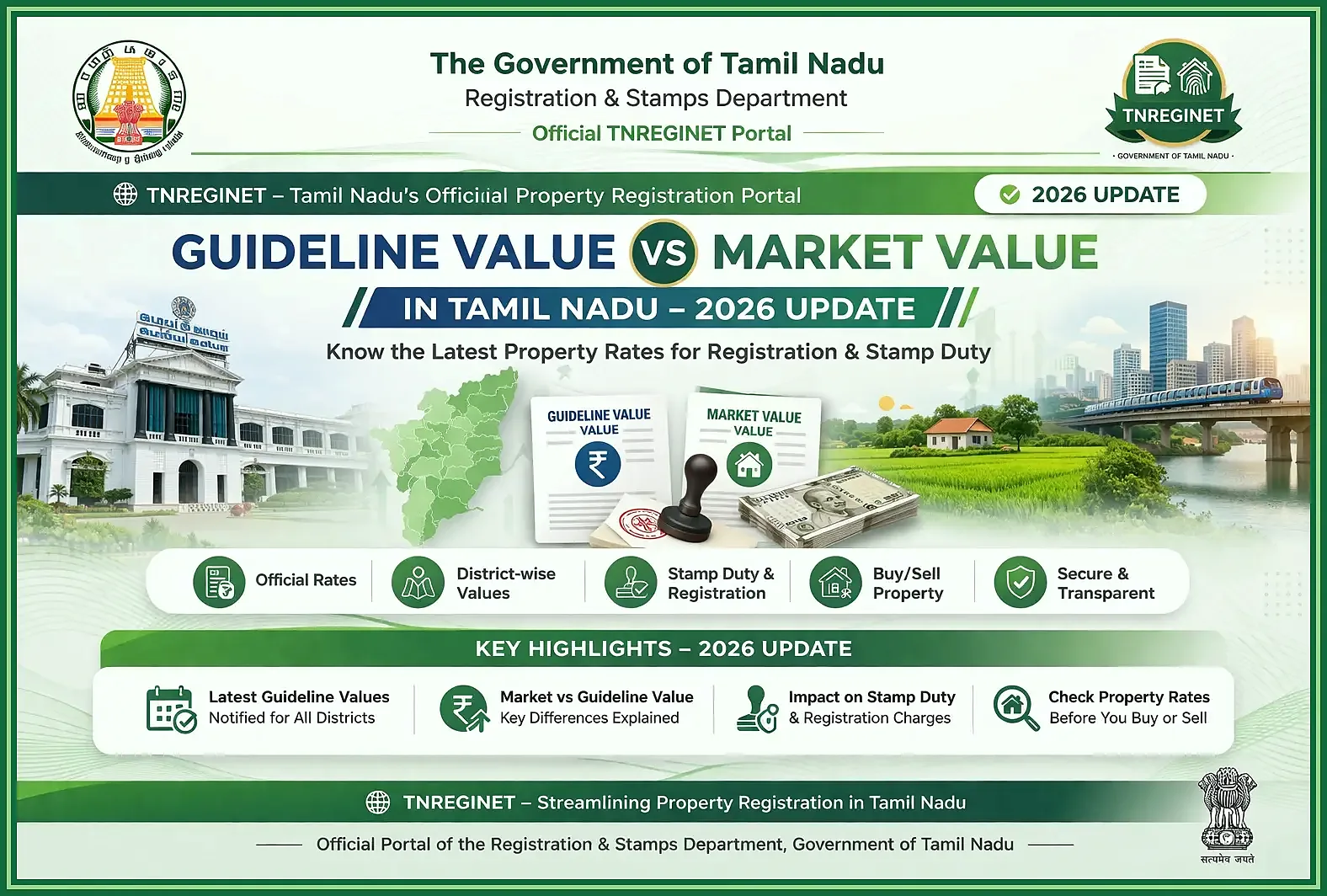
Guideline value is the government rate linked to a property location for registration work. It is not the market price, not a bank valuation, and not proof that a buyer must pay that amount.
People check it because it affects planning. It helps you estimate registration-side costs, compare one location with another, and spot obvious mismatch before document work starts.
Property location
Guideline value is tied to location details such as district, village, street, or survey data.
Registration reference
It supports registration planning, stamp duty estimates, and document preparation.
Not a full valuation
It does not replace market research, title checks, EC review, or legal due diligence.
Guideline value versus market value in simple terms
Guideline value and market value are connected, but they answer different questions. Guideline value tells you the registration-side rate for that location. Market value is the price a buyer and seller may actually settle on.
Practical difference
- guideline value is connected with the registration department’s reference value for an area
- market value is connected with actual demand, negotiation, property condition, road access, amenities, and buyer interest
- a property can sell above the guideline value when demand is high
- a property may be discussed below market expectations if the location, access, document status, or condition is weak
- users should not treat guideline value as the full legal, technical, or market valuation of a property
So read the result for what it is. It helps with registration planning. It does not settle the sale price by itself.
Why guideline value matters for property registration and planning
It matters because one wrong assumption here can throw off the whole plan. If the street, village, or survey area is wrong, your cost estimate and document preparation can go in the wrong direction as well.
It is especially useful when
- you want to estimate stamp duty or registration charges before planning a purchase
- you need to compare value differences between nearby streets, villages, or survey areas
- you want to understand why one location may show a different value from another
- you are checking whether a quoted property price looks far above or below the location reference
- you are preparing documents and need the correct district, SRO, village, or street details
- you want to discuss value-related questions with a document writer, advocate, seller, or Sub-Registrar Office
Use it for the right purpose
Guideline value does not replace Encumbrance Certificate checks, title verification, building assessment, loan valuation, or legal due diligence. It answers one narrower question: what value is linked to this location inside the registration system?
Once that part is clear, the next job is simple: open the value tool with the right location details in hand.
TNREGINET Path to Check Guideline Value
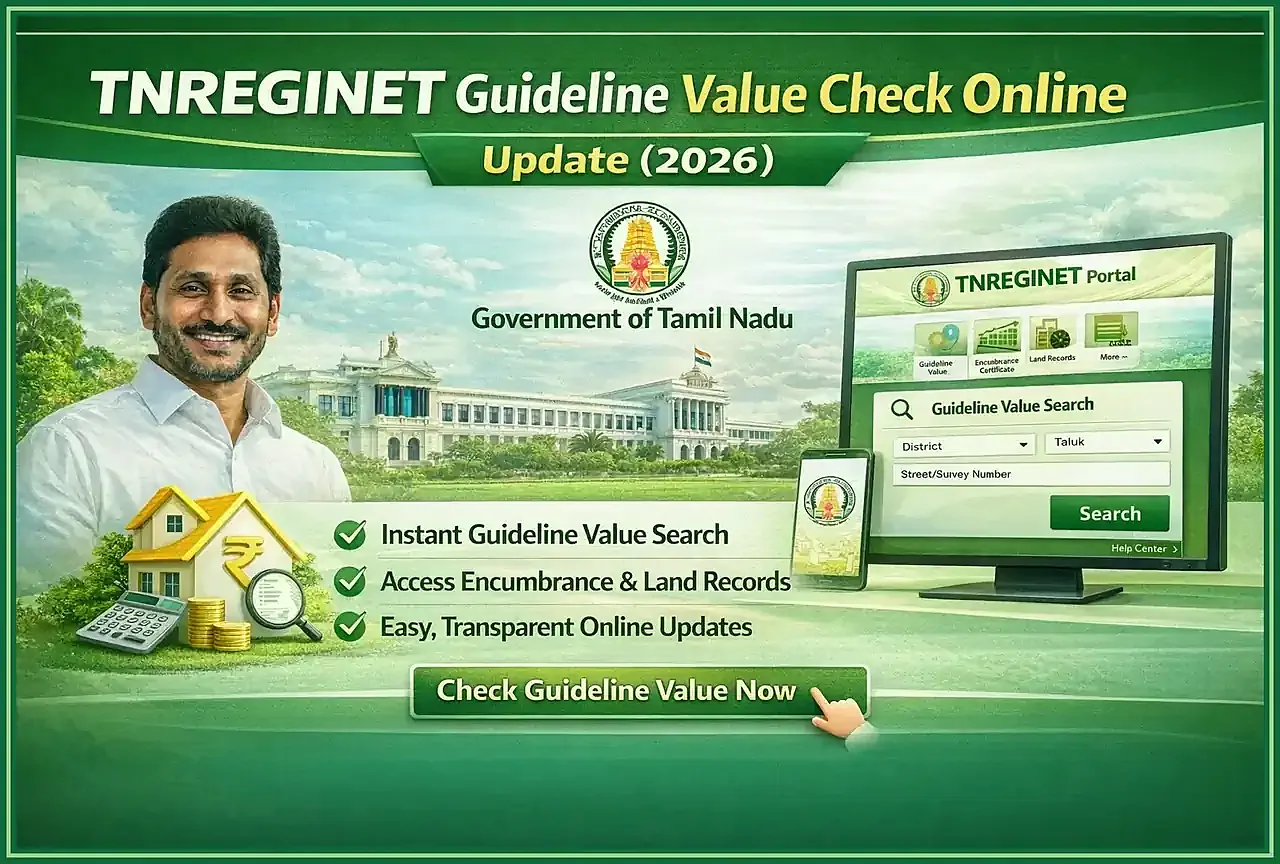
Start from the TNREGINET portal, not from a copied value table or an old screenshot. Even a small mismatch in district, Sub-Registrar Office, village, street name, or survey details can change the number you see.
Other sites may explain the steps, but the live value must be checked on the portal itself before you use it for a property decision.
Where users open the guideline value tool
Open the portal at https://tnreginet.gov.in/portal/ and look for the guideline value search option. The label can move around a little, but it is still the same value-check tool.
Once it opens, make sure you are still on the tnreginet.gov.in domain. Then choose the search method that matches the details you actually have. Use the street path when the property is known by street or locality. Use the survey path when the land record is the stronger reference.
District alone is not enough here. One district can contain multiple Sub-Registrar Office routes, and one wrong SRO can still show a value that belongs to a different registration pocket. The village and SRO must match the property before the number is useful.
What users should keep ready before searching
Guideline value search works best when the location details are ready before you start. Avoid searching only from memory if the property has similar village names, old street names, or unclear SRO jurisdiction. A wrong location choice can show a value, but it may not be the value for your exact property.
Keep these details ready
- district where the property is located
- Sub-Registrar Office or SRO connected with the property
- village, registration village, or locality name
- street name or road name if the property is street-based
- survey number or subdivision number if the property is land-based
- old deed, Patta Chitta records, EC, or property document details if available
- property type context such as land, plot, flat, or commercial property
Check the location first
If you are not sure about the SRO or village, verify that first. Guideline value is only useful when the search location matches the property location.
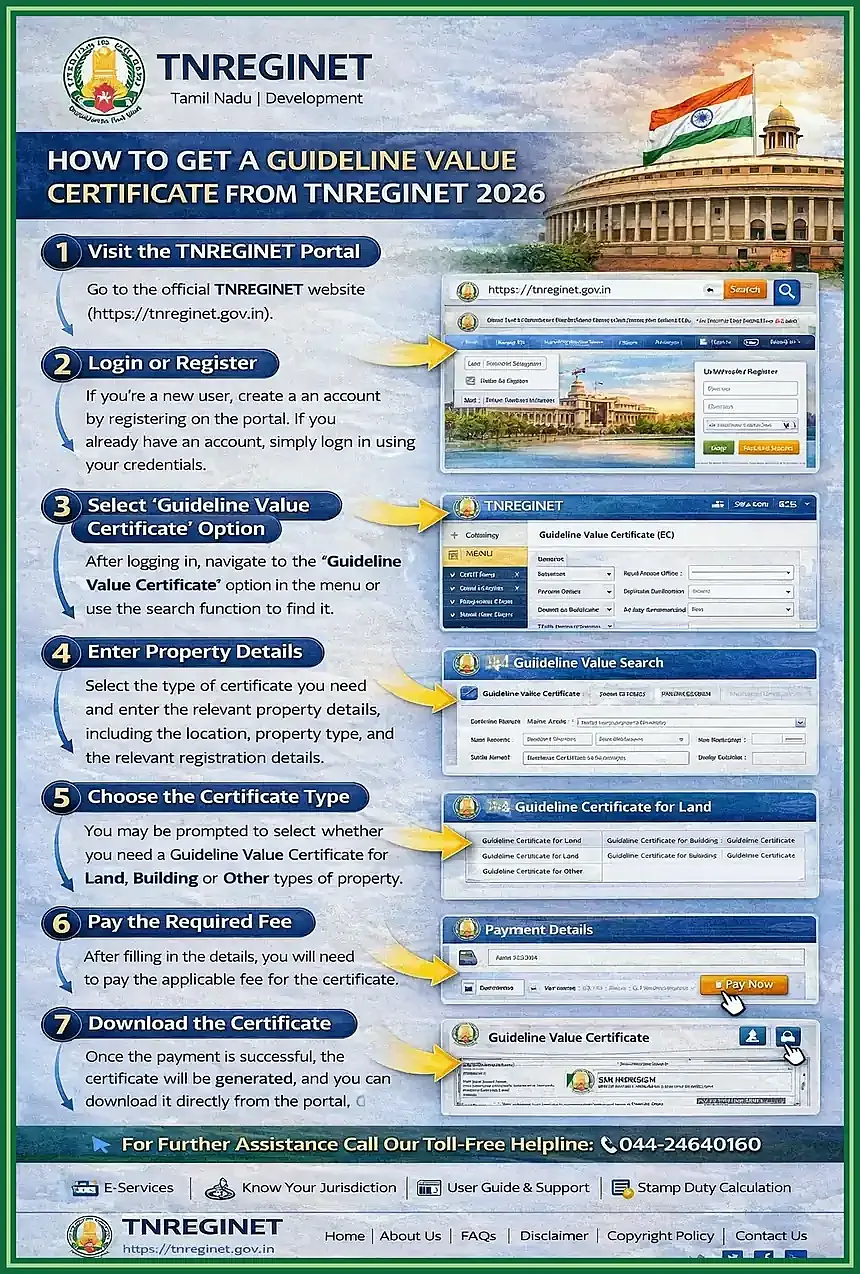
How to Check Guideline Value on TNREGINET Step by Step
The value search is location-first. Open the portal, choose the value tool, enter the location fields carefully, and then read the result against the property documents. The screen can change, but the logic stays the same.
Basic guideline value search flow
- open the TNREGINET portal
- choose the guideline value search option
- select district and SRO carefully
- choose village, registration village, or locality
- enter street details or survey-related details based on the search type
- submit the search
- compare the result with the property documents before using it for planning
Search by district, SRO, village, and street details
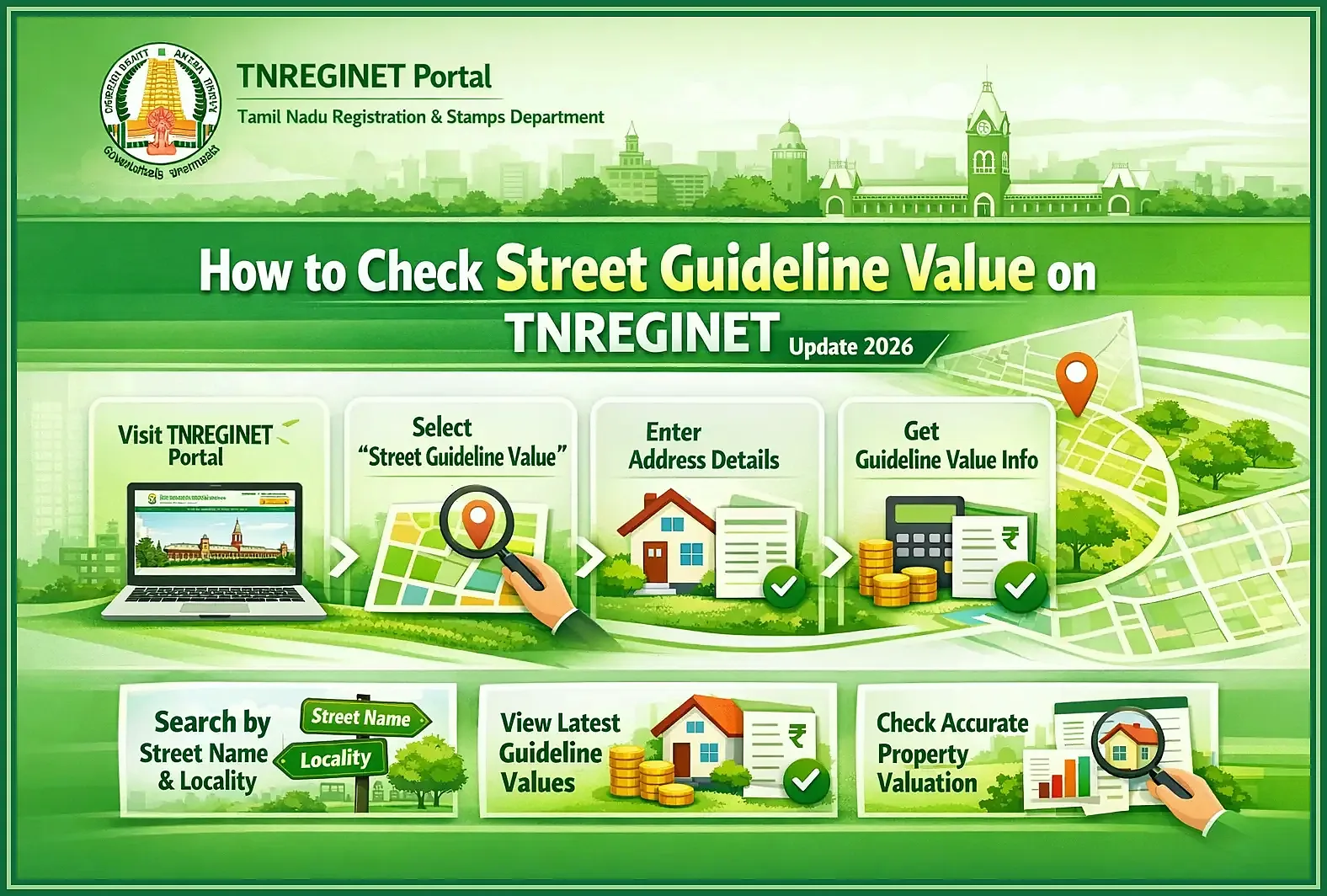
Street-based search is useful when the property is linked to a clear street, road, or locality. Start with the district, then select the correct SRO and village. After that, choose or enter the street name as shown in the portal.
This path is helpful for urban areas, layouts, flats, shops, and properties where the street name is the strongest location detail. It can also help users compare nearby street values, because one street may show a different guideline value from another even within the same general area.
When using street details, check spelling, old names, and similar-looking locality names. If the street does not appear, try verifying the village or SRO selection before assuming the value is unavailable.
District and SRO
These fields guide the portal toward the right registration jurisdiction.
Village or locality
Similar place names can lead to the wrong value, so match the property document.
Street name
Use the portal-listed street name, not only a local nickname or shortcut.
Search by survey-related property details when available
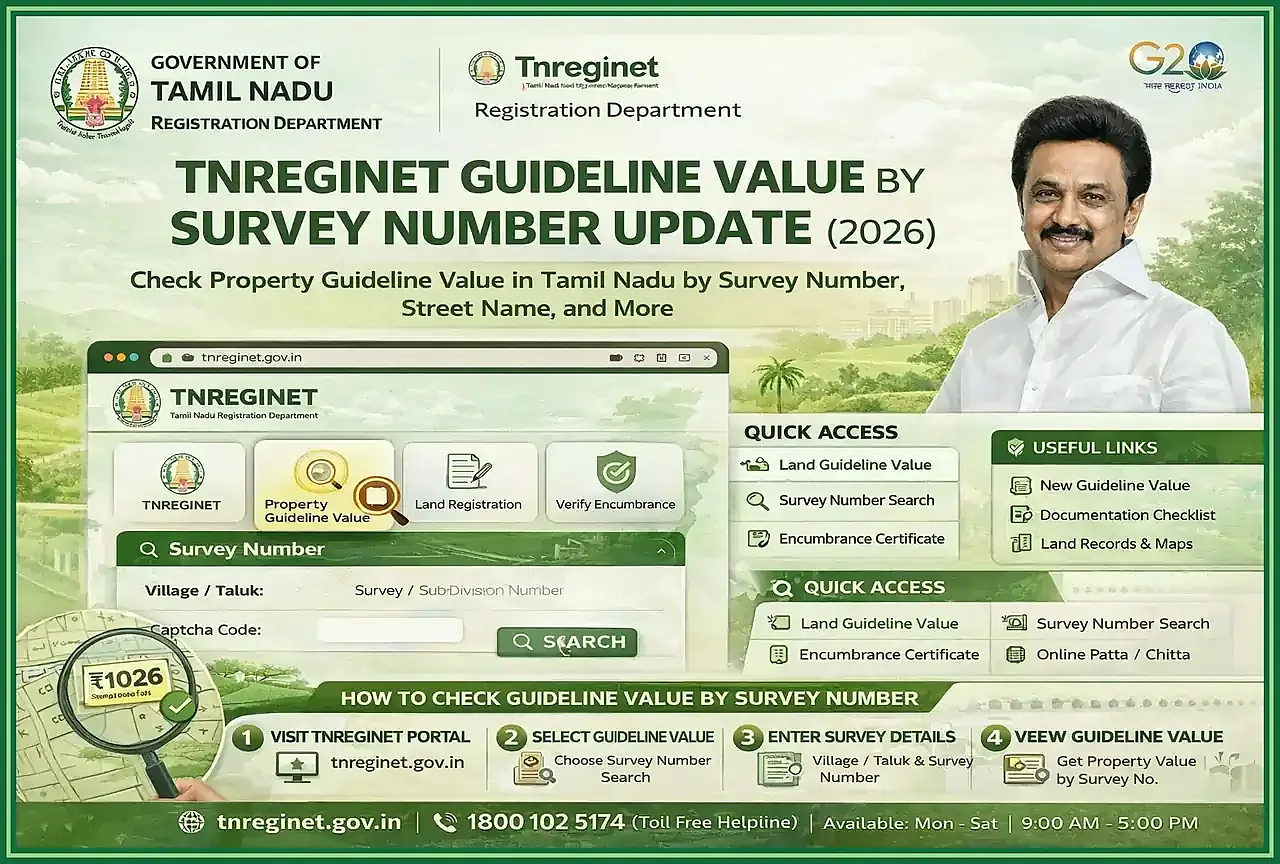
Survey-related search is useful when the property is land-based or when the document identifies the property mainly through survey number and subdivision details. This is common for agricultural land, plots, layouts, and properties outside dense street-based areas.
Enter the district, SRO, village, survey number, and subdivision details as accurately as possible. If the document includes a subdivision, do not ignore it. Survey number differences can point to a different land parcel and may show a different value.
Use survey-related search when
- the property document gives clear survey details
- the street name is not available or not reliable
- the land is outside a street-based urban layout
- you need to match the value to a specific land parcel
- the seller or document writer has shared survey and subdivision details
Common mistakes users make while entering location data
Wrong guideline value results commonly come from location mismatch, not from the value tool itself. Users may select the nearest-looking place name and assume the result applies to their property. That can create problems during registration planning.
Common mistakes include
- choosing the wrong SRO
- selecting a similar village name instead of the correct registration village
- using a current street nickname instead of the portal-listed street name
- ignoring subdivision details in land searches
- entering an incomplete survey number
- treating a nearby street value as the value for the exact property
- using old screenshots or old PDF values without checking the live portal
- assuming guideline value and market price must be the same
If the result looks wrong, go back to the location fields first. Recheck district, SRO, village, street, survey number, and subdivision details before using the value for stamp duty, registration charges, or purchase planning.
How to Understand TNREGINET Guideline Value Results
Once the result appears, do not read it like a ready-made answer for the whole property deal. Read it as the rate tied to that exact location inside the registration system.
Before you use it, compare the result with the property documents. Check the district, SRO, village, street, survey number, subdivision, and property type. If one of those fields is off, the number can be off as well.
What the result means for land, plot, or property decisions
For land or plot decisions, the result gives you a grounded starting point. It helps with early budgeting, seller discussions, document preparation, and comparing one nearby location with another.
For a buyer, the result can help answer
- does the quoted price look far above or below the location reference shown there?
- does the selected street, village, or survey number match the property document?
- does a nearby location show a different value that needs checking?
- should the buyer ask for EC, title documents, parent documents, or legal review before moving ahead?
- should the buyer confirm the value with a document writer or Sub-Registrar Office before registration?
For an owner or seller, it is useful for price discussion and document planning. It does not prove ownership, land extent, building condition, road access, zoning, or legal safety. Those checks still need separate records.
How guideline value affects stamp duty and registration planning
Guideline value matters because people use it to estimate stamp duty and other registration-side costs before the document is prepared.
But it is not a final fee calculator. The final amount can still change with document type, sale consideration, applicable rules, and office verification. Use the value as a planning base, then confirm the final calculation through the real registration process or a qualified document professional.
Use it for planning
Estimate budgets, compare locations, and prepare questions before document work.
Do not treat it as final
Final registration cost can depend on document type, sale value, and final verification.
Verify documents
Guideline value does not replace EC, title checks, or legal document review.
Use the result for
- early registration budget planning
- comparing value differences between locations
- discussing cost expectations with a seller or buyer
- preparing questions for a document writer or advocate
- checking whether the location details used for registration planning look correct
Do not use the result alone for
- confirming legal ownership
- proving the property is dispute-free
- replacing an Encumbrance Certificate
- calculating the final amount payable without verification
- deciding market price without checking demand, condition, access, and documents
Year-Based and Location-Based Guideline Value Queries
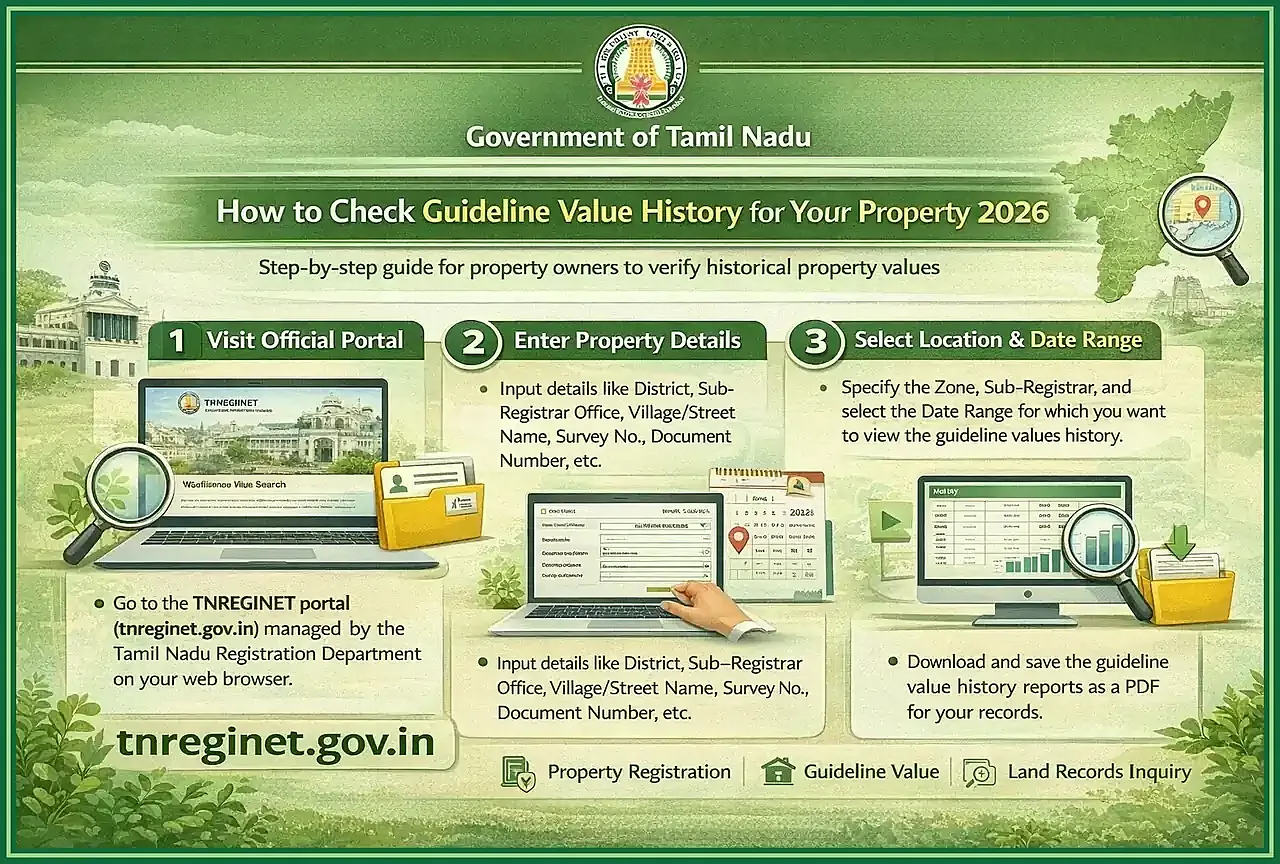
Variants such as tnreginet guideline value 2025, tnreginet guideline value 2024, tnreginet guideline value 2024 chennai, or tnreginet guideline value pdf download usually point to the same need: one usable value for one period, one city, or one saved reference. The safer move is to check the live portal result instead of trusting an old PDF, screenshot, or copied table.
Why 2025, 2024, Chennai, and PDF variants still need the live lookup
People add years because they want the latest number or want to compare one period with another. They add place names like Chennai because values change from one area, street, village, or survey block to the next. They add PDF because they want something easy to save or send.
That instinct is normal, but it causes mistakes. A PDF can be old. A copied table can be wrong. A Chennai-wide result can still be useless if your street or survey details do not match.
You do not need separate 2024, 2025, or 2026 pages for that. The same live lookup matters more than the year label by itself, because the exact SRO, village, street, or survey route is what changes the usable result.
What users are usually trying to confirm
- they want the latest value reference for a property location
- they are comparing current and older guideline value mentions
- they need Chennai, district, village, or street-specific results
- they want a PDF for offline checking or sharing
- they are preparing registration cost estimates before visiting an office
- they are trying to understand why a document writer quoted a certain value
How to handle year confusion without relying on outdated assumptions
Do not trust a result just because it has a fresh-looking year in the title. A page or PDF that mentions 2025 or 2024 may still help for context, but it still needs to be checked against the live portal before you use it for planning.
Use this approach
- start with the live TNREGINET guideline value search
- match the exact district, SRO, village, street, survey number, or subdivision
- note the value shown for the location you searched
- treat older PDFs or screenshots as reference material only
- avoid applying a Chennai-wide value to a specific street without checking that street
- verify with the Sub-Registrar Office or a document professional if the value affects a transaction
If the live portal result and an older PDF do not match, trust the live lookup first. If the difference changes your cost estimate or purchase decision, get clarification from the office before moving ahead.
Common TNREGINET Guideline Value Problems and Fixes
Most value-search problems come from location mismatch. The tool may still show a number, but it may belong to a different street, village, survey area, or SRO jurisdiction.
Before blaming the portal, check the search inputs again. District, Sub-Registrar Office, village, registration village, street name, survey number, and subdivision details all matter here.
Wrong search result, no result, and location mismatch issues
A wrong result almost always means one of the location fields does not match the property document. That happens when users pick a similar village name, choose a nearby street, miss a subdivision number, or use a local street nickname that is different from the portal entry.
No result can also happen for simple reasons. The street may sit under a different village or SRO. The survey number may need subdivision details. The portal spelling may not match the wording on your document. In some cases, the survey path works better than the street path.
One common mismatch example
A flat may be known by street name in daily use, but the useful search still depends on the right registration village and SRO. A land parcel may sit in the same district yet fail on the street path and return the right value only when the survey number and subdivision are used under the correct SRO.
Try these fixes first
- reselect the district and SRO from the beginning
- compare the village name with the property document
- check whether the portal uses an old or formal street name
- try survey details if street search does not work
- include subdivision details when the document has them
- avoid using nearby street values as a shortcut
- compare the result with EC, deed, patta, or other property records when available
Do not use an unrelated value
If the value still looks unrelated, stop there. Verify the location details with a document writer, advocate, or the Sub-Registrar Office before using that number in planning.
When users should verify the correct jurisdiction or SRO first
Check the SRO first when the property is near a boundary area, when the same village name appears under more than one office, or when the street is known by different names. This also matters when old documents use one place name and the portal shows another.
That step matters because guideline value follows registration jurisdiction. If the SRO is wrong, the result can look valid and still be wrong for your property.
Boundary areas
Verify jurisdiction when a property sits near a district, village, or SRO boundary.
Similar names
Check carefully when the same village or street name appears in more than one option.
Document mismatch
Old deeds, patta, EC, or tax records may use place names differently from the portal.
Verify jurisdiction first when
- the search result does not match the expected area
- the same village or street name appears in multiple options
- the property is near a district, village, or SRO boundary
- the deed, patta, EC, or tax record uses different place names
- the value affects stamp duty, registration charges, or a purchase decision
- the property is high-value and mistakes can create costly planning errors
Once the correct SRO and jurisdiction are clear, repeat the guideline value search with the verified details. If the result still does not make sense, use office-level clarification before relying on it.
TNREGINET Guideline Value FAQ
Short answers to common guideline value questions
No. Guideline value is the registration-side value tied to a location. Selling price is the amount a buyer and seller finally agree on. Demand, condition, access, amenities, document clarity, and negotiation can all change the selling price.
In most cases, users can check guideline value without logging in because it works like a public lookup. If the portal asks for login on a related step, follow the live instruction shown there.
Guideline value is location-specific. Two nearby streets can have different values because of road access, classification, demand, registration village, survey area, property type, or SRO mapping. Always search the exact street, village, or survey details linked to the property document.
Final Takeaway and Best Next Step
When to stay here and when to move to support or another guide
Stay here when the question is about the value itself: what it means, how to search it, how to read it, and how to fix a bad match.
Move to support or Sub-Registrar Office clarification when the location details do not match, the SRO is unclear, the portal shows no result, or the number affects an important property decision. If the confusion is really about survey sketch, subdivision layout, or parcel-level matching instead of value logic, switch to the TNREGINET FMB guide.
Choose your next step this way
- use the guideline value search when you have clear district, SRO, village, street, or survey details
- recheck jurisdiction first if the result looks unrelated
- use EC and title documents when the question is about ownership history or legal safety
- move to registration guidance when you need cost and document-process support
- contact the Sub-Registrar Office or a qualified professional when the value affects a purchase or registration decision
Guideline value is useful for planning, but only when the location is correct. Use it with the property documents, verify the jurisdiction, and confirm the final numbers before making a major decision.